Why AI changes your face in haircut photos
The render looks great and the man in it is a stranger. That is not a bug you got unlucky with, it is the default behaviour of every image model, and there are five separate causes with five separate fixes.
7 MIN READ·UPDATED August 2026
The render comes back, the haircut is good, and the man wearing it is somebody else. Everyone who has tried this has had the experience, and it is not bad luck. It is the default behaviour of every image model, it has five separate causes, and four of them have fixes.
It is not editing your photograph
This is the thing worth understanding once, because every fix below follows from it. When you attach a photo and ask for a haircut, the model does not open your image and repaint the hair. It generates a new image from scratch, using your photograph as a strong suggestion about what the new one should contain.
Everything you did not explicitly hold onto is redrawn from what the model learned faces look like in general. And hair is the worst possible thing to ask for on those terms, because it borders the forehead, the temples, the ears and the jaw. Changing it means regenerating the region immediately around every feature you would notice moving.
The five causes
1. It regenerates rather than edits
The fix is to convert your intent into constraints. “Keep my face the same” is one instruction covering thirty things and the model treats it as a preference. Thirty nouns is thirty constraints, and constraints get respected. The unglamorous ones matter most, because nobody thinks to protect a mole and its removal is a real part of why a render feels off.
2. The training average is better looking than you
These models were trained on photographs that skew heavily toward conventionally attractive, well-lit, professionally shot faces. When the model fills a gap it fills it with that average. Nothing is switched on that you can switch off, which is why asking for a realistic or unedited result achieves nothing, and why naming the individual edits achieves something.
3. It recomposes the frame
Models re-crop toward the more flattering composition, and a zoom changes the apparent proportions of your face even when every feature was preserved perfectly. In our own testing, four renders from a single source with an explicit instruction not to recompose came back as one zoom in and three zoom outs. Locking the frame reduces it. Nothing we have found removes it.
4. The file you sent is smaller than you think
A screenshot of a photo, or an image that has been through a messaging app twice, arrives already softened. The model has less of your face to work from and fills the difference with the average from cause two. Send the original out of your camera roll.
5. You are iterating on an iteration
This is the one that catches careful people. You get a render, ask for a small change, get another, ask for one more. Each round trip regenerates the entire image from the previous generation, so the drift compounds and by the fourth attempt you are refining a photograph of a stranger. Go back to the original file for every attempt, in a fresh conversation.
The block to paste into anything
This is the constraint half of a render prompt, pulled out so you can append it to whatever you are already using. It works in ChatGPT, in Gemini, and in anything else that takes an image and a text instruction.
KEEP EXACTLY AS THEY ARE IN THE SOURCE PHOTOGRAPH
Face shape, jawline, chin, nose, nostrils, eyes, eye spacing, eyebrows, ears,
lips, teeth, skin tone, skin texture, pores, moles, scars, lines, facial hair,
glasses, earrings, clothing, background, the direction and hardness of the
light, the colour grade, and the grain.

DO NOT
Do not smooth skin, remove blemishes, whiten teeth, narrow or sharpen the jaw,
slim the face, enlarge the eyes, or change my apparent age, weight or ethnicity.
Do not recompose, re-crop, zoom, rotate, or change the camera angle.
Do not relight the scene or change the time of day.
Do not add, remove, or resize facial hair.
Do not change my natural hair colour or my curl pattern.

OUTPUT
The full original frame at the original aspect ratio, my head in the same
position and at the same size, photographic and unretouched.
Paste this after your description of the cut, not before it. The instruction that comes last carries more weight in most models, and you want the constraints to be the last thing it reads.
The one that does not go away
Mild beautification survives all of it. In our own renders, teeth came back whiter and skin came back smoother despite every clamp above being present and explicit. It is small, it is consistent, and as far as we can tell it is not promptable.
Worth knowing where that matters. Deciding between two haircuts, it is harmless. Handing the render to a barber as a target, it quietly oversells the result, which is one more reason the photograph should not be the only thing you bring.
The short version
- Name features individually. Not “keep my face”. A list of nouns, including the unflattering ones.
- Forbid the specific edits. Skin, teeth, jaw, eyes, age, weight, by name.
- Lock the frame. No recompose, no crop, no zoom, same aspect ratio.
- Send the original file. Not a screenshot, not something already compressed twice.
- Always restart from the photograph. Fresh chat, one variable changed per attempt.
Questions
- How do I stop AI from changing my face?
- Name the features individually rather than asking it to keep your face the same, clamp the specific beautifications it applies by default (skin smoothing, teeth whitening, jaw sharpening, face slimming), lock the framing, feed it the largest original file you have rather than a screenshot, and go back to that original for every attempt instead of editing an edit.
- Why does the AI make me look younger and thinner?
- Every image model has been trained on photographs that skew toward conventionally attractive faces, and it fills any gap you leave with that average. Beautification is not a feature someone switched on, it is the shape of the training data, which is why a generic instruction to be realistic does not remove it and a specific list of forbidden edits partly does.
- Does a higher resolution photo help?
- It helps, but less than the prompt does. In our own testing a deliberately poor source, a black and white full-body crop at 724 by 1086 against a busy background, held likeness through four dramatic restyles because the constraints were specific. Resolution is worth fixing, but it is not the thing that is failing you.
Or skip the prompt and let it do the whole job.
FreshCutz runs this with both photos instead of one, with a reference photograph behind every cut so the style lands where you asked, and it hands back the guard numbers with the render. Two photos, about a minute.
First one free · 6 for $2.99
SEE IT ON YOUR FACE — FREECuts to run it on
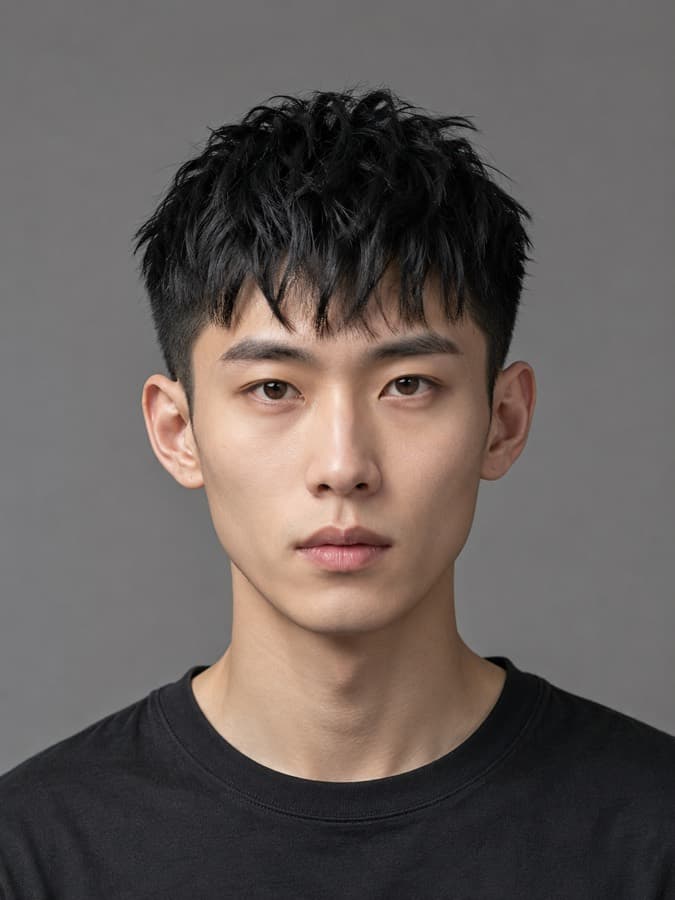
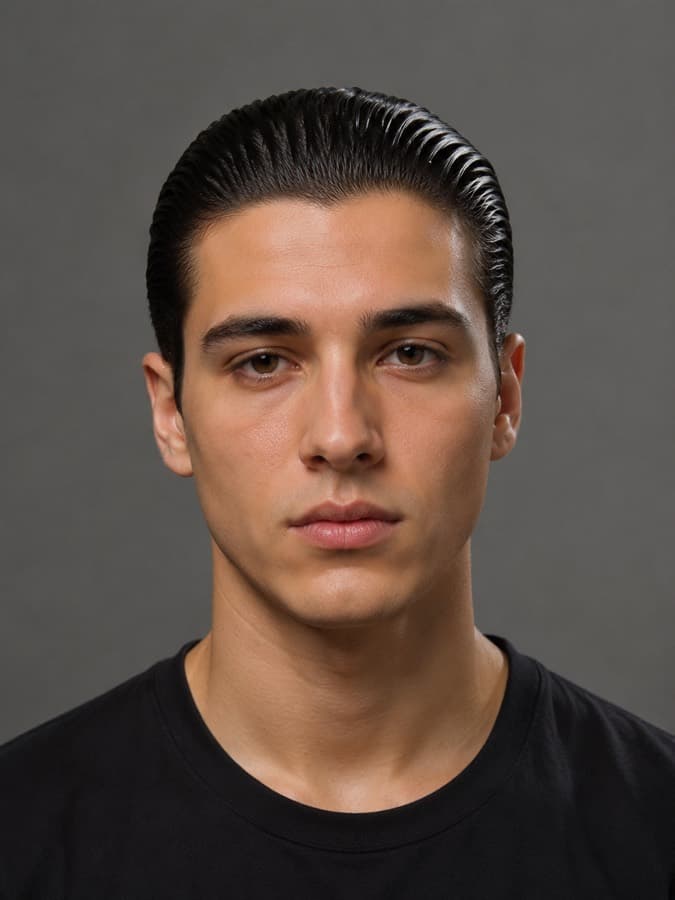
Each one carries the guard numbers, so you can lift the spec straight into the prompt above.
Read next
- The ChatGPT haircut prompt that actually worksThe full prompt, plus the four failures no prompt fixes.
- The two photos to take before any AI haircut try-onA shot list, the eight ruiners, and a prompt that grades you.
- The Nano Banana hairstyle prompt, front and sideThree images in, one render out, and how to stop the bleed.