The ChatGPT haircut prompt that actually works
Most haircut prompts fail the same way. You get back a good-looking man wearing the cut you asked for, and he is not you. This is the prompt that holds your face, and an honest account of where it still stops.
7 MIN READ·UPDATED August 2026
Here is the prompt. It is the whole thing, it works today, and the rest of this page is why each block of it is there and where it still falls down. Attach one photograph of yourself, paste this, and change the three lines under THE CUT.
Edit the attached photograph of me. Change the hair only.

THE CUT
Sides and back: low taper fade, clipper #2 at the temples blended down to a
  #1 at the hairline, the taper following the natural curve behind the ear.
Top: 2 to 3 inches, cut into a choppy textured crop, pushed forward into a
  blunt fringe sitting just above the eyebrows.
Neckline: natural, faded out, not squared off.

KEEP EXACTLY AS THEY ARE IN THE SOURCE
Face shape, jawline, nose, eyes, eyebrows, ears, lips, teeth, skin tone, skin
texture, moles, scars, facial hair, glasses, earrings, clothing, background,
direction of the light, colour grade, and grain.

DO NOT
Do not recompose, re-crop, zoom, rotate, or change the camera angle.
Do not smooth skin, whiten teeth, slim the face, sharpen the jaw, or change my
apparent age or weight.
Do not change my natural hair colour or my curl pattern.
Do not add, remove, or resize facial hair.

OUTPUT
The full original frame at the original aspect ratio, my head in the same
position and at the same size. Photographic and unretouched.
The three lines under THE CUT are the only ones you edit. Everything below them is the part that keeps the man in the photograph looking like you.
What to change before you run it
Three lines, and they map onto the three decisions a barber makes. The sides line sets how short the shortest point goes and how high the blend climbs. The top line sets the length you keep and the shape you push it into. The neckline sets whether the back of your head ends in a soft fade or a hard horizontal line.
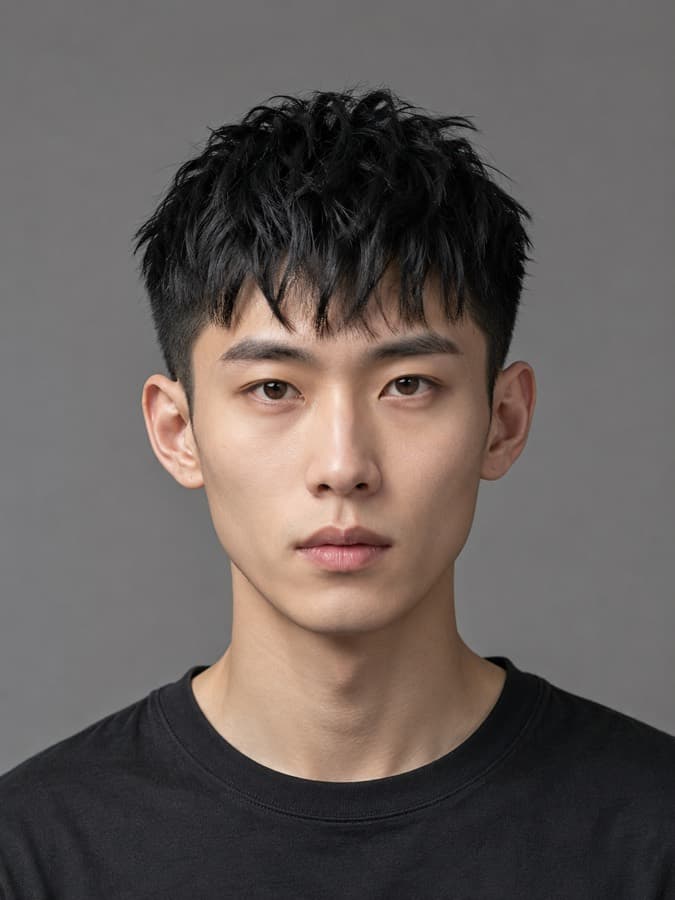
Every cut page on this site carries those three lines already written out, because the app needs them for the barber card. Open the catalog, find the cut, and lift the spec straight across.
Why the prompt is shaped like that
It names your features instead of summarising them
“Keep my face the same” is a summary, and these models treat a summary as a preference. A list of nineteen specific nouns is a set of constraints, and constraints hold. The nouns that earn their place are the ones sitting closest to the hair, because that is the region being redrawn: forehead, hairline, eyebrows, ears, and the light falling across all four.
The unglamorous entries are doing the most work. Nobody thinks to protect a mole or a scar, which is exactly why the model removes them, and their absence is a large part of why a good render can still feel like a stranger without you being able to say what moved.
Guard numbers instead of the name of the cut
A textured crop is a category with four inches of range inside it. A #2 blended to a #1 is a measurement. Ask for the name and you get the average of every photograph ever captioned with it, which is a different haircut from the one in your head. Ask for the number and the number is what you get.
It locks the frame
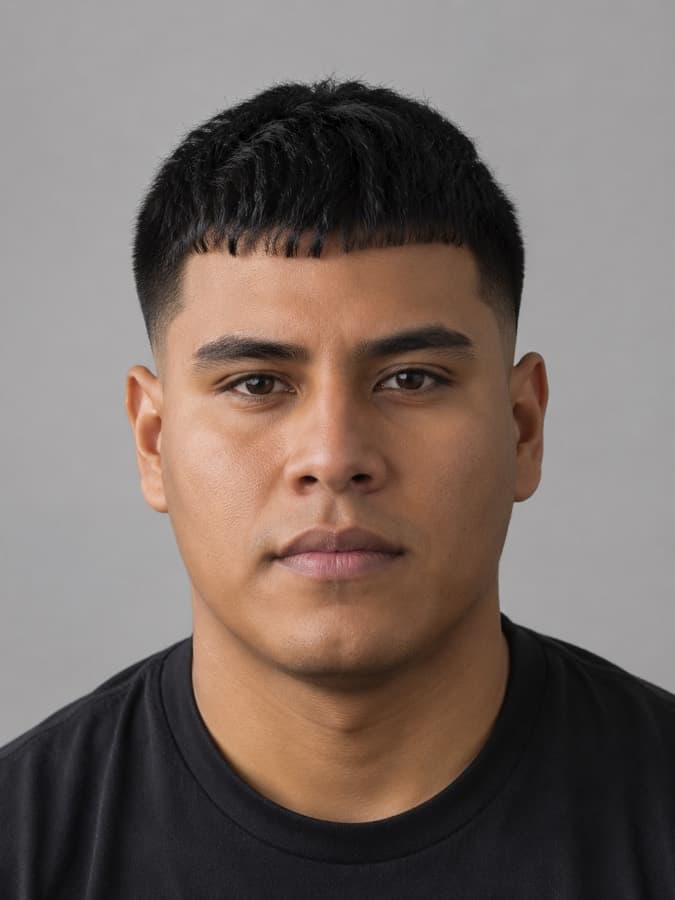
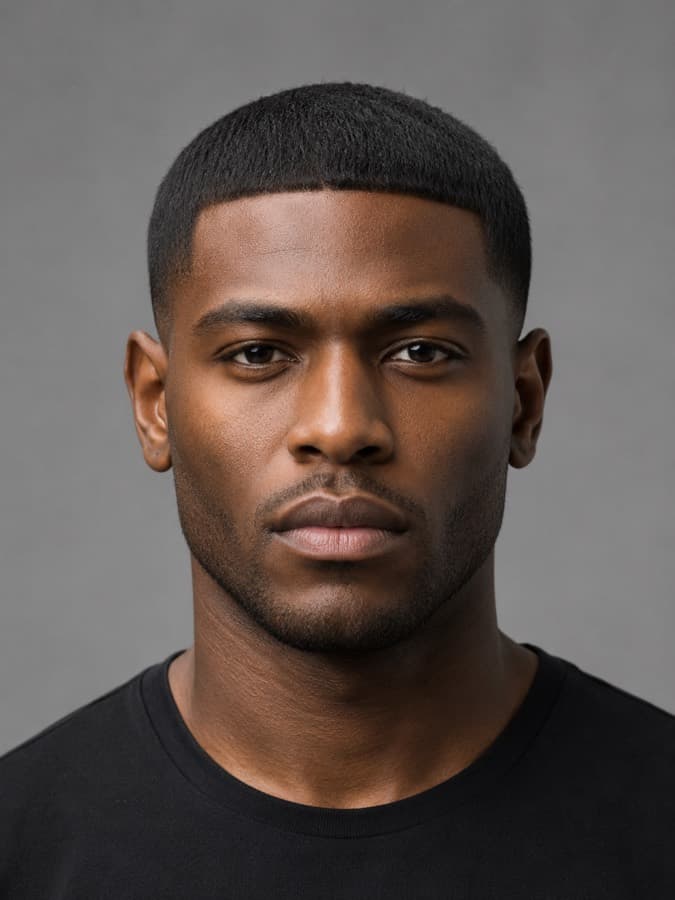
Image models recompose, and they recompose toward the more flattering crop. We ran four renders from a single source photograph with an explicit instruction not to recompose: one came back zoomed in, three came back zoomed out. The clause is worth keeping because it reduces the drift. It does not eliminate it, and any guide that tells you otherwise has not run the test.
It forbids the specific beautification, not beautification
Asking for a realistic result does nothing at all. The model does not think it is beautifying you, it is reproducing the average of what it was trained on, and that average has better skin and straighter teeth than any real person photographed under a bathroom light. Naming the four edits individually, skin, teeth, jaw, age and weight, measurably reduces them. It does not stop them.
What it still gets wrong
Four failures, and none of them are fixed by writing a better prompt. They are worth knowing before you spend an evening trying.
- The framing wanders. Same prompt, same photo, four attempts, four different crops. If you are comparing two cuts side by side, the crop changing between them makes the comparison harder than the haircut does.
- It flatters you anyway. Mild smoothing and whitening survive an explicit clamp. On a render you are only using to decide something, this is harmless. On a render you are about to hand to a barber, it quietly oversells the result.
- Style fidelity is directional, not precise. Ask for a burst fade and you reliably get a fade. Whether you get a burst is a coin flip. The model knows what the words mean in general and does not know what they mean in a barbershop, which is the gap a reference photograph closes and a description cannot.
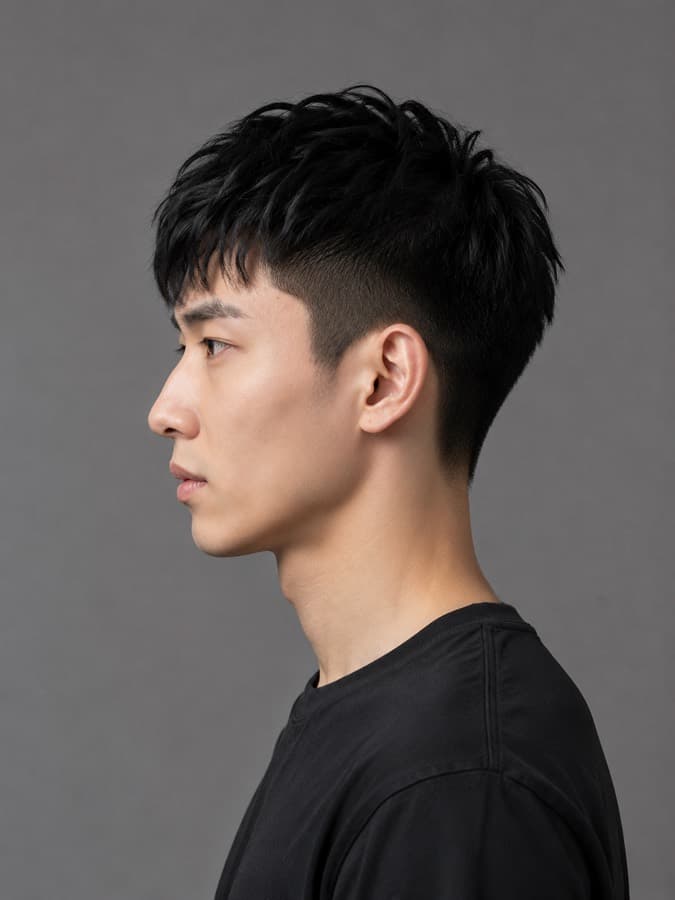
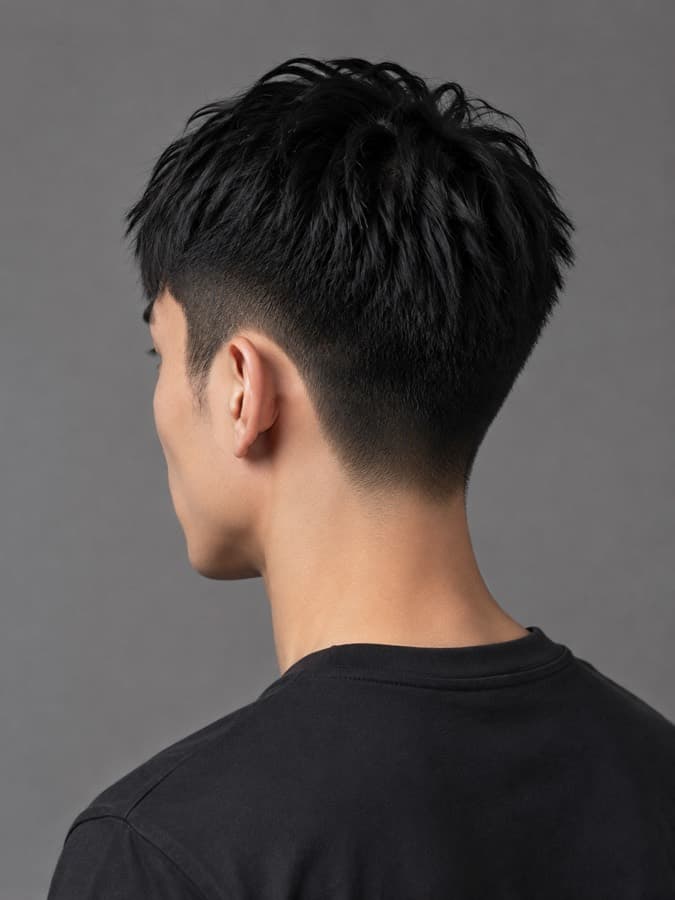
- It is inventing the back of your head. This is the big one. A fade, a taper and a neckline are side and rear information, and from one front-facing photograph the model has never seen any of it. What comes back is plausible rather than yours, and you find out in the chair.
If it changed your face anyway
Four things to try, roughly in order of how often they are the actual problem.
- Go back to the original file. Never edit an edit. Each round trip re-encodes the whole image and the drift compounds, so the third attempt built on the second is always worse than a first attempt built on the photograph.
- Start a fresh chat. A long conversation carries every earlier render along with it, and the model starts treating its own output as the reference.
- Send the biggest version you have. The file out of your camera roll, not a screenshot of it and not something a messaging app has already compressed twice.
- Change one thing per attempt. If you rewrite the cut and the constraints at the same time you cannot tell which one moved the result.
There is more going on underneath all four of those, and it is worth understanding once rather than fighting five times: why AI changes your face in haircut photos.
Questions
- Can ChatGPT put a haircut on my photo?
- Yes. Attach the photo and describe the cut in guard numbers rather than by name. The quality of the result depends almost entirely on how specifically you constrain what must NOT change: face, skin, facial hair, glasses, clothing, background, framing and lighting all need naming individually, because the model redraws everything it is not explicitly told to hold.
- Why does ChatGPT change my face when I ask for a haircut?
- It is not editing your photo, it is generating a new one conditioned on it. Anything it is not holding constant gets redrawn toward the average face in its training data, which is younger, thinner and more symmetrical than yours. Listing your features individually holds them far better than asking it to keep your face the same.
- Is one photo enough for an AI haircut?
- For a cut whose whole shape is visible from the front, one photo is workable. For anything with a fade, a taper or a specific neckline, it is not: most of that haircut lives on the sides and the back of your head, and from a single front-facing photo the model is inventing it.
Or skip the prompt and let it do the whole job.
FreshCutz runs this with both photos instead of one, with a reference photograph behind every cut so the style lands where you asked, and it hands back the guard numbers with the render. Two photos, about a minute.
First one free · 6 for $2.99
SEE IT ON YOUR FACE — FREECuts to run it on
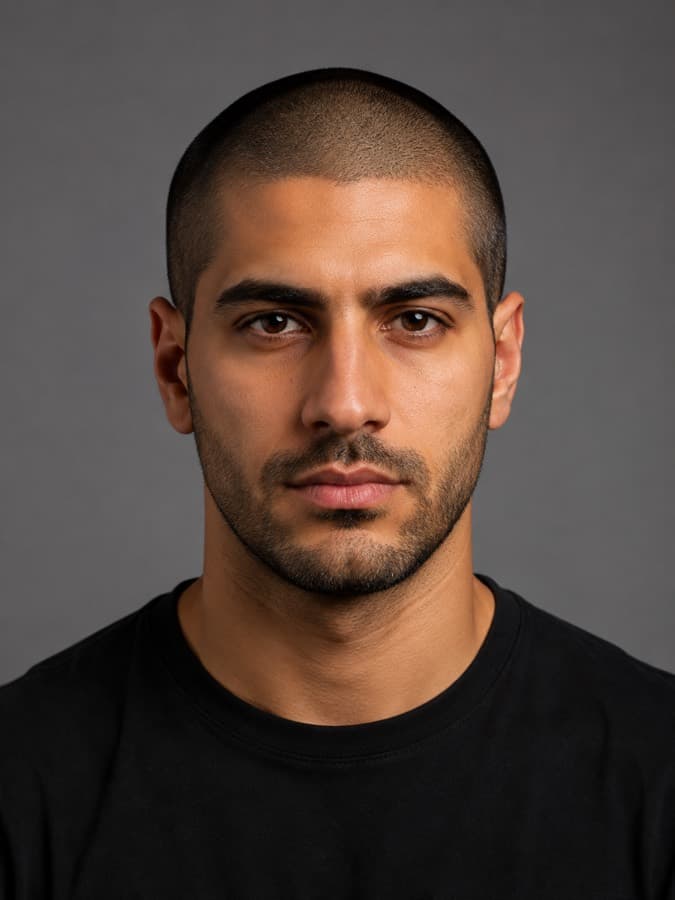
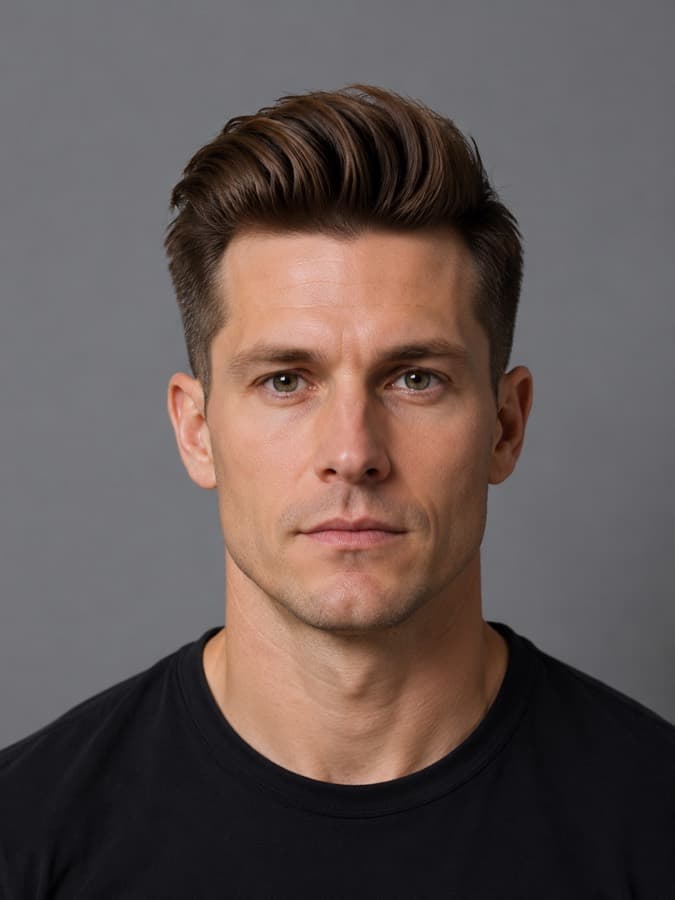
Each one carries the guard numbers, so you can lift the spec straight into the prompt above.
Read next
- Why AI changes your face in haircut photosFive causes of drift, five fixes, and the one that persists.
- The two photos to take before any AI haircut try-onA shot list, the eight ruiners, and a prompt that grades you.
- Turning an AI haircut render into something your barber can useThe guard number table, and a prompt that writes the spec.